Feel
It learns your nights
Log how the car felt. SlideJob remembers those nights and suggests the move that matched, not a chart from someone else's book.

Product
Pit sheets for every class. A tyre bank. Weather, air density and a fuel pill. Events near you. Oil reminders. Laps and photos. A marketplace and a forum. And it learns how you like the car to feel.
Feel
Log how the car felt. SlideJob remembers those nights and suggests the move that matched, not a chart from someone else's book.
Air
Air density in, fuel pill suggestion out. You start the session with a number instead of a guess at the jug.
Weather
Weather on the track you're headed to. Rain, wind, and a sky that changed while the trailer was still hitched.
Near you
Shows near where you are, on the same calendar fans already open on the way to the pits.
Maintenance
Reminders for oil and the work between meetings. What you pour is still your call.
Community
A community for the class, and a place to share or sell a sheet. See what hooked, and put yours up when you're ready.
01
A 410 winged sprintcar is not a late model with different labels. Each class gets a sheet shaped for that car: torsion, stagger, pressures, wing, gear, and the notes that actually change the night. Racer Starter covers one car across every class. Racer and above keep unlimited cars and the full history.
02
The sheet is only half the night. Log the track beside it: clay, how heavy or slick it is, where the groove is, and a plain note for the wind or the cushion. When you compare two runs, the conditions come with them.
03
Log the finish and the note. Put two sessions side by side and see which stagger, which rims and which wing were on the car when it rotated. Fans can browse public results. The full compare book is on Racer and above.
04
SlideJob takes care of the rest.
Each QR sticker is 1 × 1 inch (25 × 25mm), with the wheel number in the centre. When the app tells you which tyre goes where, you just grab and go. SlideJob automatically logs photos and laps on every tyre until you replace it, so you know its full history, including groove patterns and pressures. The bank runs past 11 inches and offers a few closest sets. Retire a damaged tyre with one tap. It drops out of pairing straight away, its history is kept, and the rim is reused for the next tyre.
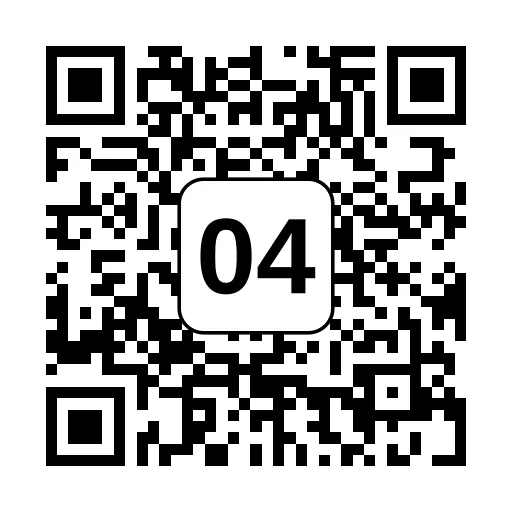
Wheel 04
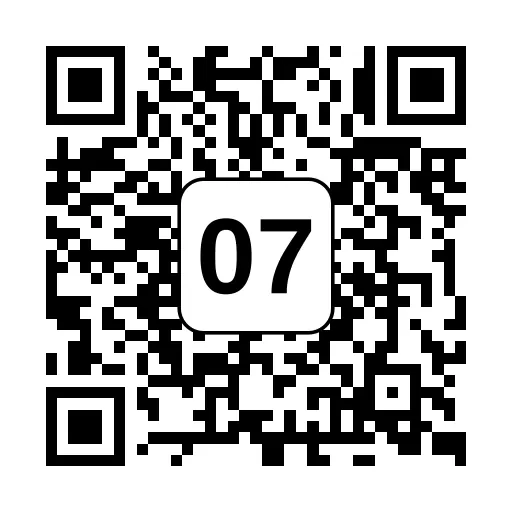
Wheel 07
Sample rim library
Sample bank, from 8 inches up to 18. Your measured rollouts decide the sets. Eleven inches still leads with Right Rear Wheel 4 and Left Rear Wheel 7, with other close pairs under it.
Closest
RR Wheel 4 · LR Wheel 7
11.0 in · exact
RR 99.2 in · LR 88.2 in
Next
RR Wheel 4 · LR Wheel 1
11.1 in · 0.1 in off
RR 99.2 in · LR 88.1 in
Also close
RR Wheel 4 · LR Wheel 3
11.2 in · 0.2 in off
RR 99.2 in · LR 88.0 in
The number is in the centre of the sticker. Grab the wheel the list names and go.
Rim stickers
Request your tyre QR codes in the app, tap Apple Pay, and the 1 × 1 inch (25 × 25mm) stickers are generated. They are emailed to your closest approved signwriter for printing, or a PDF is generated for you to print yourself.
01
In the app, ask for the tyre QR codes for your rims.
02
Pay in the app. The stickers are generated straight away.
03
We email them to your closest approved signwriter, or you print the PDF yourself.
Wheel 07 in the centre. Sample sticker, 1 × 1 inch (25 × 25mm).
05
Crew is the shared car: invites, one rim library, activity on that car. Team is the operation: roles, a multi-driver roster, and an activity feed across the workspace. Example roles are owner, crew chief, tyre hand, driver and viewer. You decide who can change a sheet and who can only read it.
Alex mounted a tyre on Wheel 4
Sam logged 11.0 in stagger
Jo invited a tyre hand
For teams
Teams using SlideJob get their own merch store page on slidejobapp.com. Fans buy the shirts, hats and stickers there, so the team does not need to host its own website. The team is paid directly. Nobody holds stock.
slidejobapp.com/hale-14
Sample team
14
Shirt
A$45
Coming soon
Hat
A$32
Coming soon
Stickers
A$8
Coming soon
Sample only. No checkout. Paid to the team. No stock held.
06
Plenty of pits are a dead spot. Racer Starter and every paid racer plan keep the sheet, the rim library and the latest conditions log on the phone. Log the night. It syncs when you are back in range.
07
The Fan plan has no charge: a global event calendar and public results. No car, no sheet, no trial to start. Sample nights below are illustrative. They are not a live listing and not a track partnership.
Sample calendar. Not a live listing.
Compare plans